Sign In
Accessing the Web Console
As described in the Getting Started with Web Console section above, users can access the Web Console using the URL pattern below:
http://<OME_HOST_IP>:<OS_SERVER_HTTP_PORT>
| Env | Description |
|---|---|
| OME_HOST_IP | IP address of the server running OvenMediaEngine Enterprise |
| OS_SERVER_HTTP_PORT | Service port on which the Web Console will run |
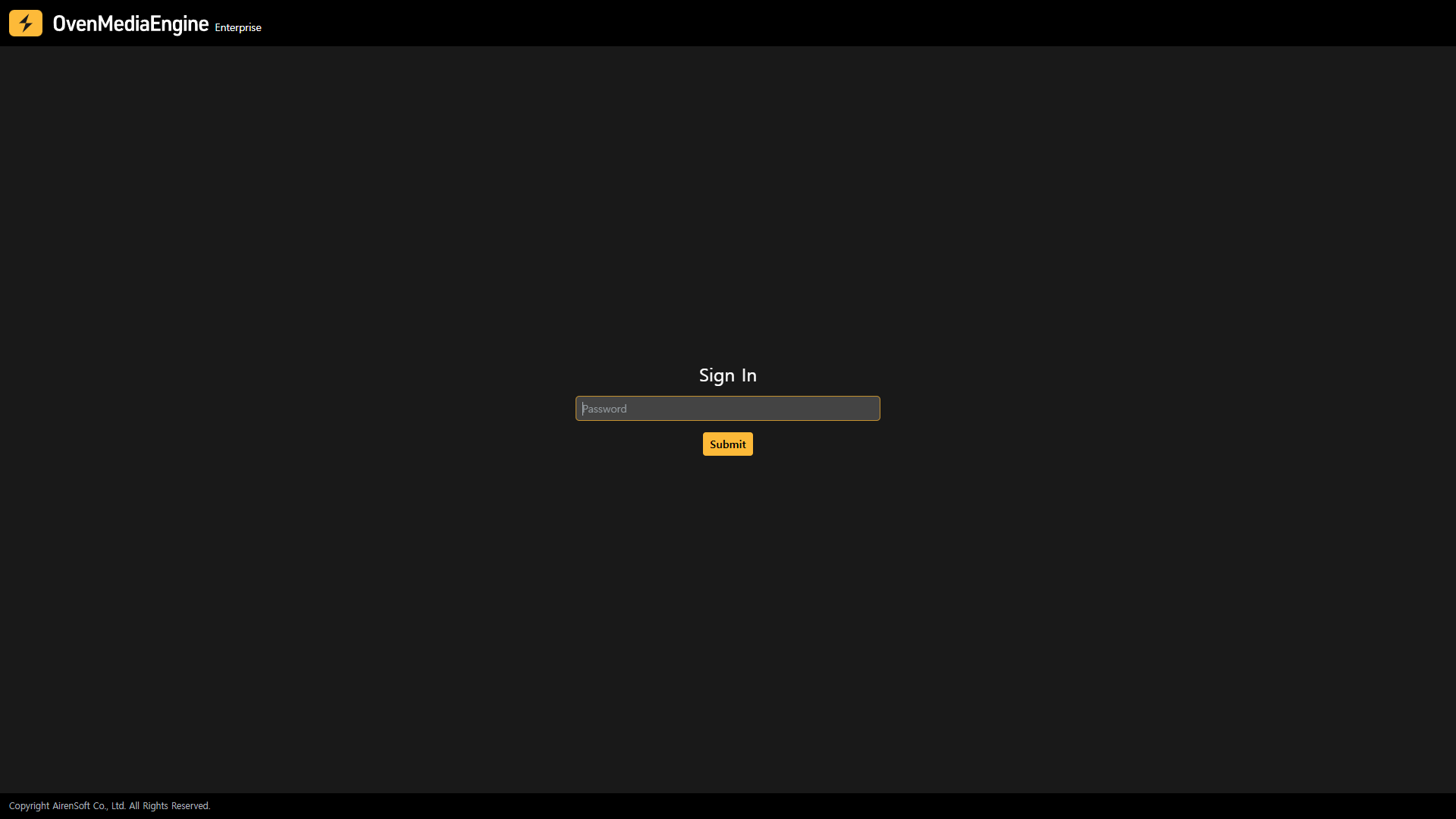
If you access http://<OME_HOST_IP>:<OS_SERVER_HTTP_PORT> and see a page like the image above, you can sign in using the default password. After your first login, you can change the default password through the Change Password menu.
tip
The default password is set to ovenstudio, and more details can be found in the Admin Password section.