Restart
Restart OvenMediaEngine
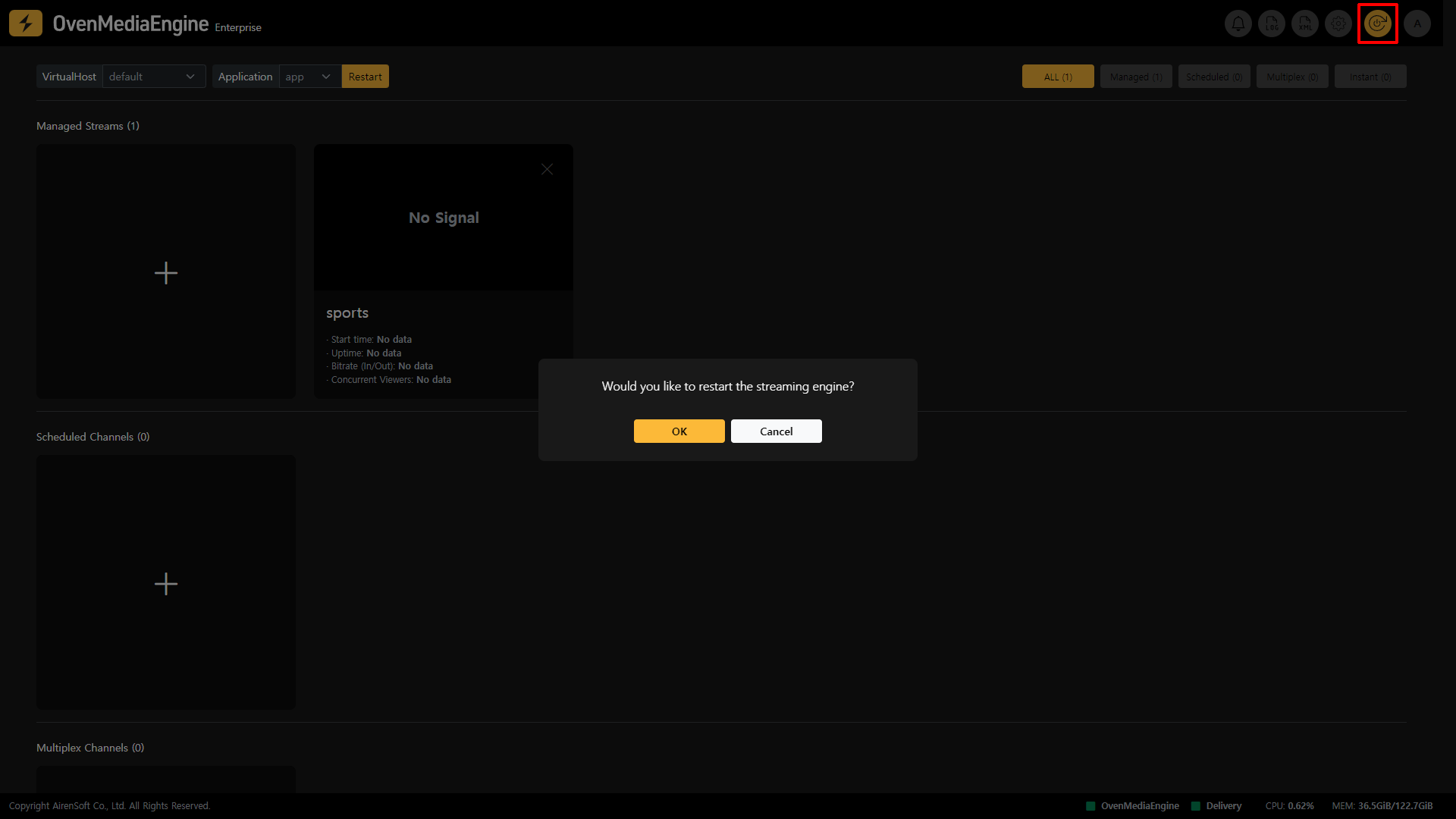
You can restart OvenMediaEngine immediately by clicking the Restart button at the top right corner of OvenMediaEngine Enterprise. Upon restart, all the latest changes and configurations will be applied to OvenMediaEngine.
Restart Application | 0.17.0.0+
If you need to quickly restart only a specific Application, you can restart that Application using the method below.
tip
All client connections from other Applications remain intact, except for the specified Application.
Restart the Application from the Stream List
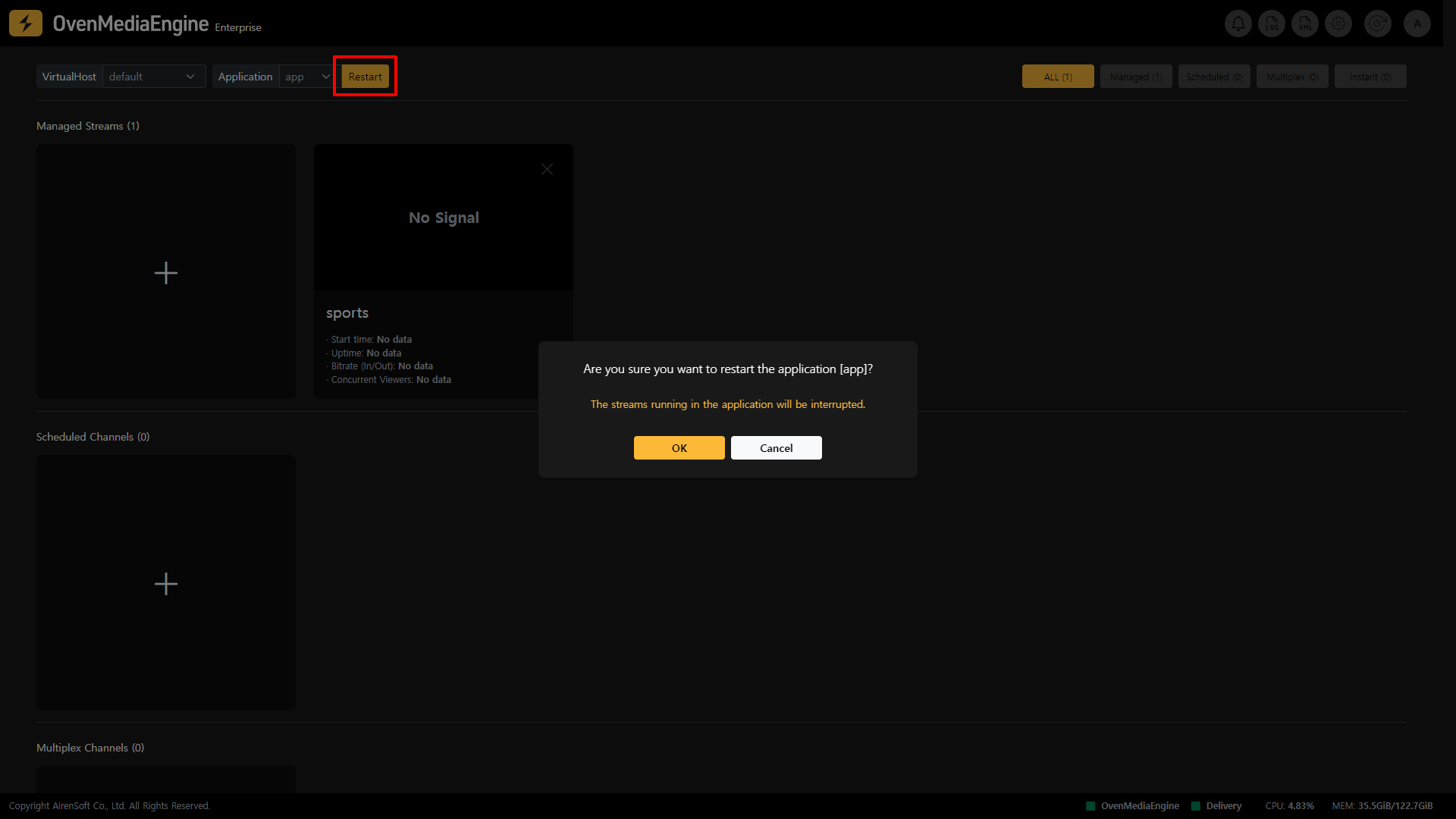
- You can restart the
Applicationby selecting it in the upper left of the Stream List and clicking theRestartbutton.
Restart the Application from the Server Settings
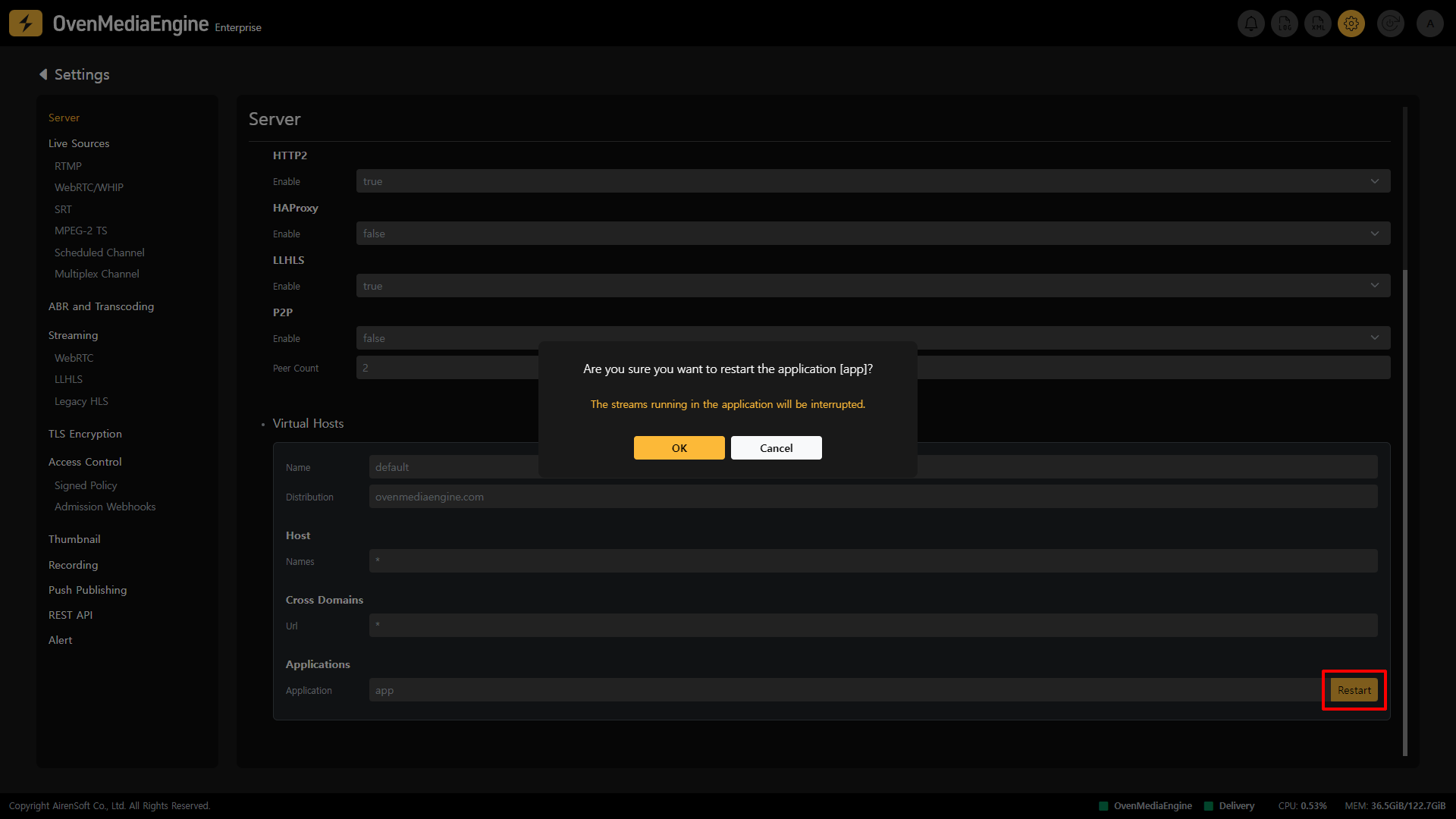
- Click the
Settingsbutton on the right side of the Web Console navigation bar to enter the Server Settings page. - You can then restart the
Applicationby scrolling down and clicking theRestartbutton on the right side of theApplication Namein the Virtual Hosts Settings under Applications.- If there are multiple applications on the
VirtualHost, theApplicationswill be listed on the Settings screen.
- If there are multiple applications on the
info
Click HERE to learn how to restart the Application using the API.