License Error Resolution
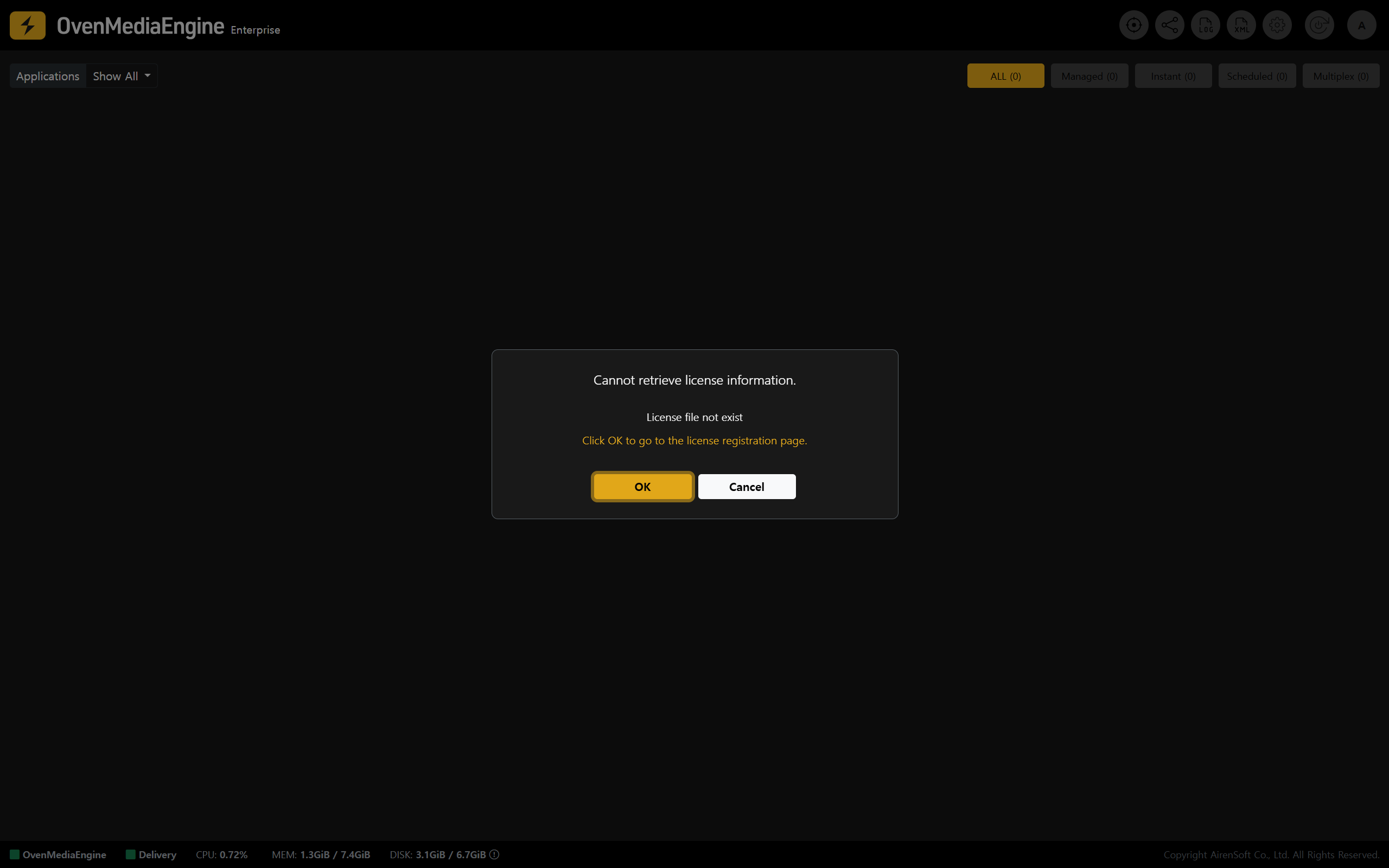
If you see a license-related alert, such as "Cannot retrieve license information" immediately after logging in to the Web Console, the license may not have been issued successfully due to a temporary network/connectivity issue during instance provisioning or a communication issue with the license server.
Reissuing a License Key
Issue a License Key
- A valid License Key is required to use OvenMediaEngine Enterprise properly. Please click [OK] in the pop-up to go to the License Settings page and reissue the License Key.
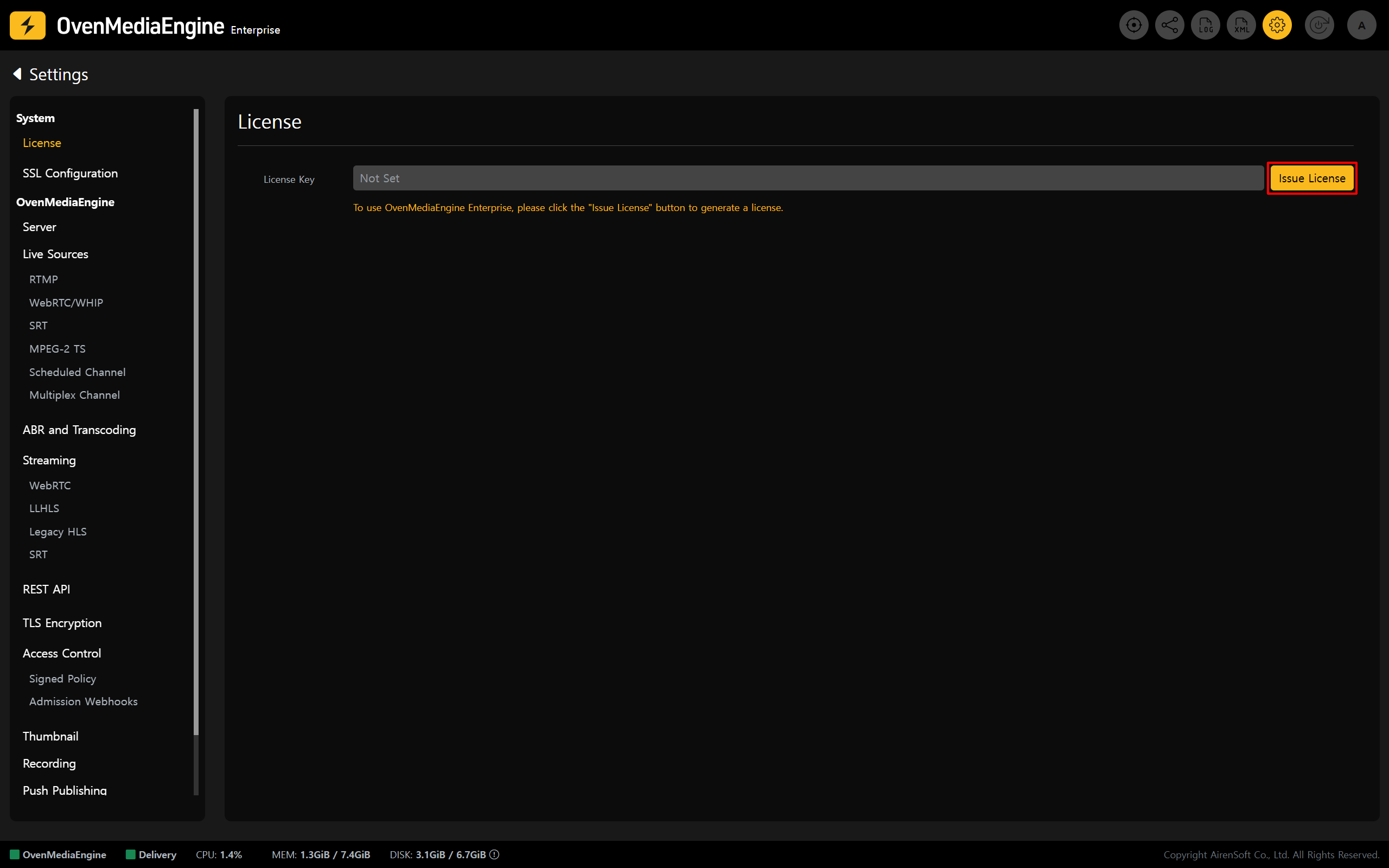
- Click [Issue License] and wait a moment. The system will automatically issue and apply a new License Key.
Verify the New License Key Is Applied
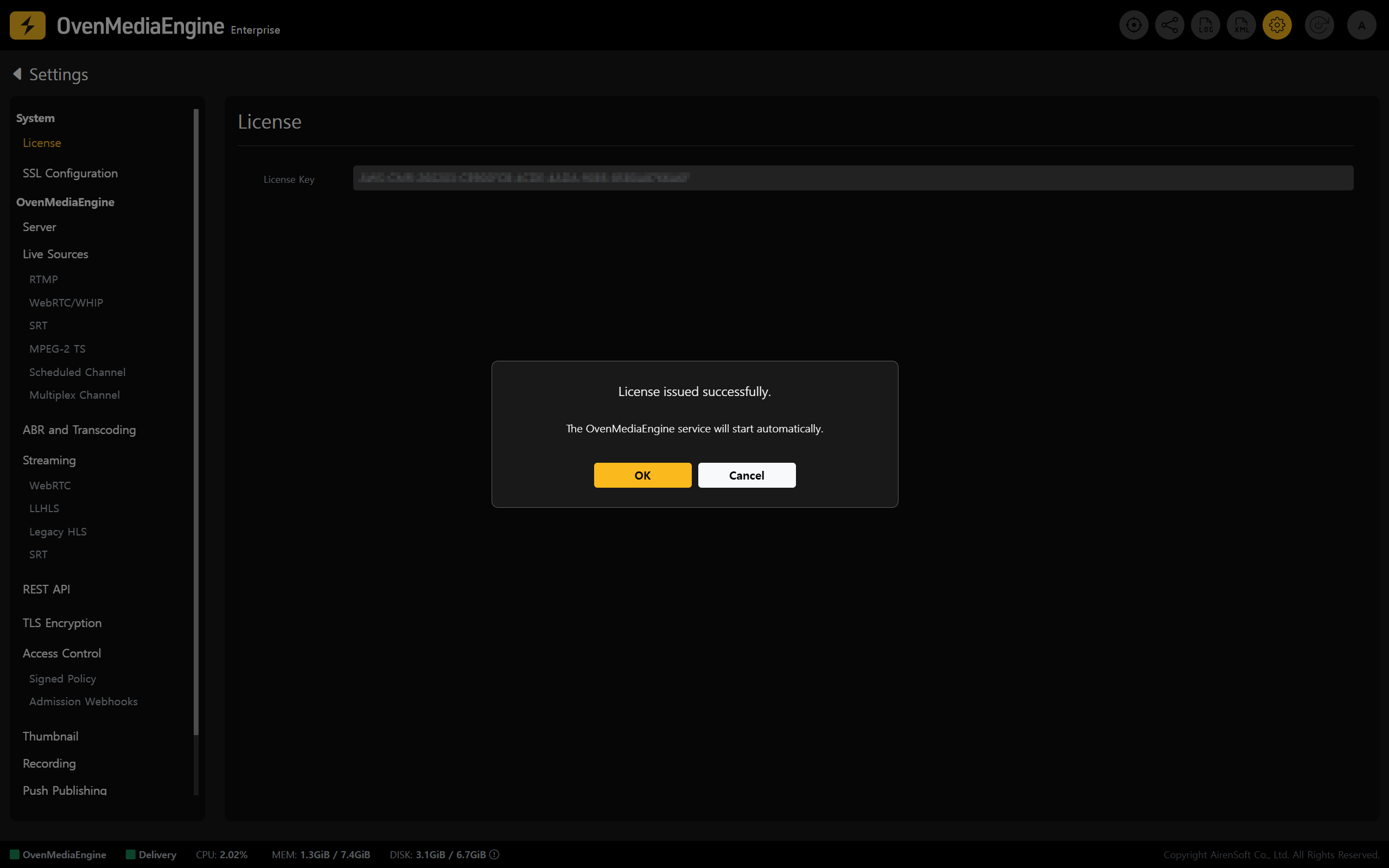
- If the license authentication alert/error message disappears, the License Key has been applied successfully. You can then use all OvenMediaEngine Enterprise features normally.
- Run a basic streaming test by following the "Post-Setup Verification for OvenMediaEngine Enterprise" procedure.
warning
If the issue persists, first check the instance’s outbound network connectivity (Security Group rules, route settings, NAT/IGW, etc.) and confirm that the instance can reach the license server.