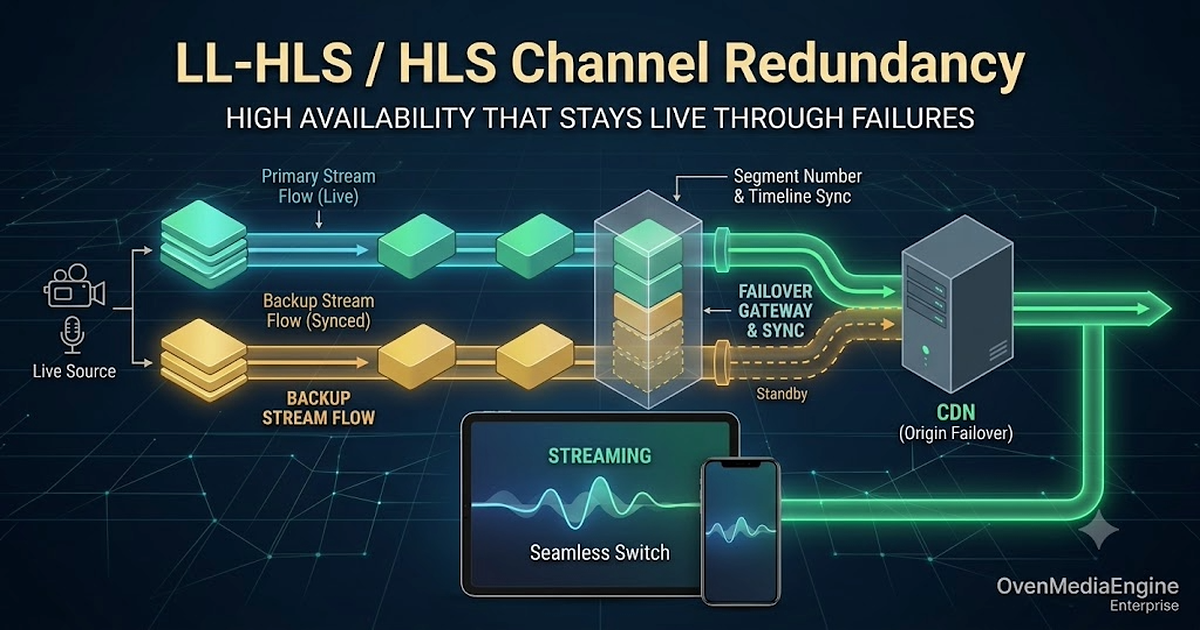
Real LL-HLS / HLS channel redundancy comes down to keeping two Origins, Primary and Backup, in sync. Here is what has to line up in the encoder-origin path, especially the timeline and the segment numbers.
Making a live channel redundant comes down to one thing: keeping the output of the two Origins behind your CDN, Primary and Backup, synchronized so that the player can switch between them at any time and keep playing without interruption.
With VOD this is easy. The files are pre-rendered and static, so any Origin serves the exact same bytes, and putting Primary/Backup behind a CDN is all it takes. Live is different. Each Origin cuts the stream into segments in real time, so even when both receive the same broadcast, their output does not line up on its own.
This post covers what has to line up to make a live channel truly redundant, and in particular how to synchronize the encoder-origin path.
Through this three-part series, we will explore ultra-low latency streaming with WebRTC in Part 1, various tests with HLS in Part 2, and finally, Low-Latency HLS in the last part.
While new technologies continue to emerge, HTTP Live Streaming (HLS) remains a stable, universal, and widely supported streaming protocol across the digital ecosystem because HLS was designed with a focus on stability to deliver media on a global scale. This required some level of buffering and latency to ensure a seamless viewing experience. However, with the increasing demand for two-way media services, the need for low-latency streaming has grown significantly.
Live streaming has grown rapidly to the point where it has become a part of many people’s daily lives. This growth is further accelerated due to the increasing demand for online media consumption by users.
Live streaming is rapidly becoming a key component of modern communication and entertainment. However, setting up and operating a streaming server can come with numerous challenges, including security, authentication, and complex configurations.
If you want to use streaming with a latency of less than 3 seconds but don’t have separate software or hardware to transmit your media source to OvenStudio LLHLS, don’t worry. It comes with OvenLiveKit, which allows you to transmit streams through WebRTC directly from a web browser, without the need for additional software or plugins.
Content creation and sharing industries are evolving at an unprecedented pace, and video/audio streaming has become an integral part of our daily lives.
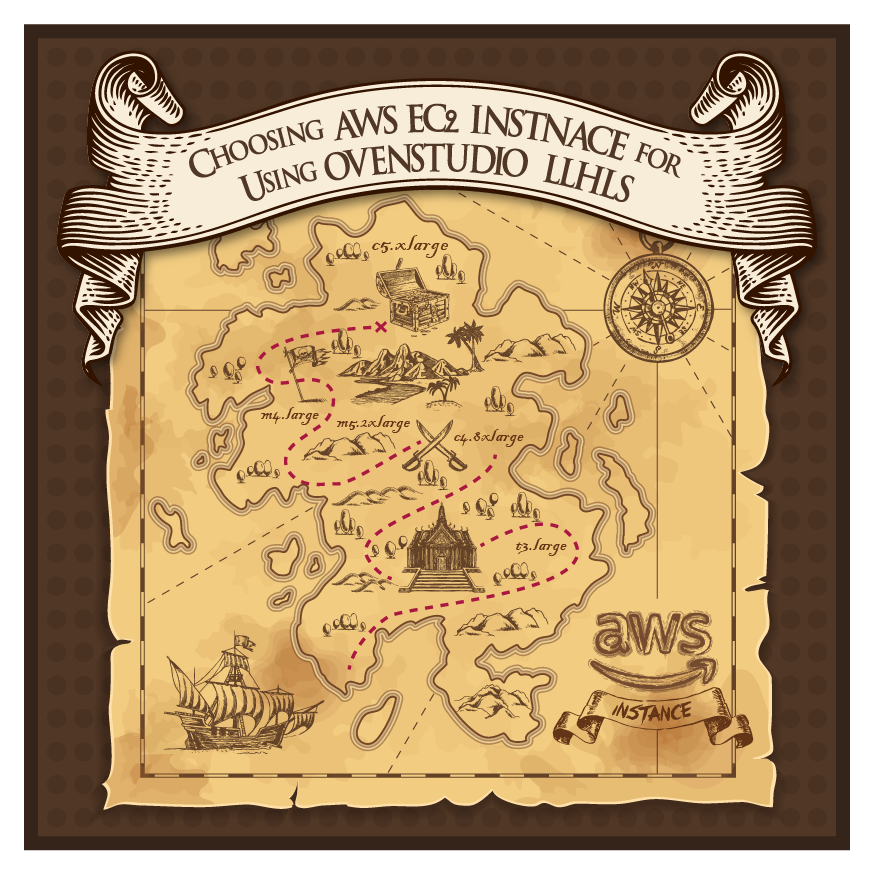
When it comes to deploying OvenStudio LLHLS on the AWS Marketplace, selecting the right EC2 instance type is a critical decision that can significantly impact your streaming performance and cost efficiency. In this blog post, we’ll guide you through the process of choosing the optimal EC2 instance for your OvenStudio LLHLS deployment.
OvenStudio LLHLS, a low-latency streaming server designed for the cloud, is built upon the open-source sub-second latency streaming server, OvenMediaEngine. Despite the availability of technology that can achieve sub-1-second latency for streaming, OvenStudio LLHLS has chosen to adopt a technology that achieves sub-3-second latency.
We are living in an era where anyone can easily broadcast content. In the past, broadcasting was limited to television stations, but now, with the power of smartphones and computers, anyone can effortlessly stream their content to the world. Streaming platforms and services have revolutionized the way we consume media, offering creators a convenient and fast way to share their creations with the world.